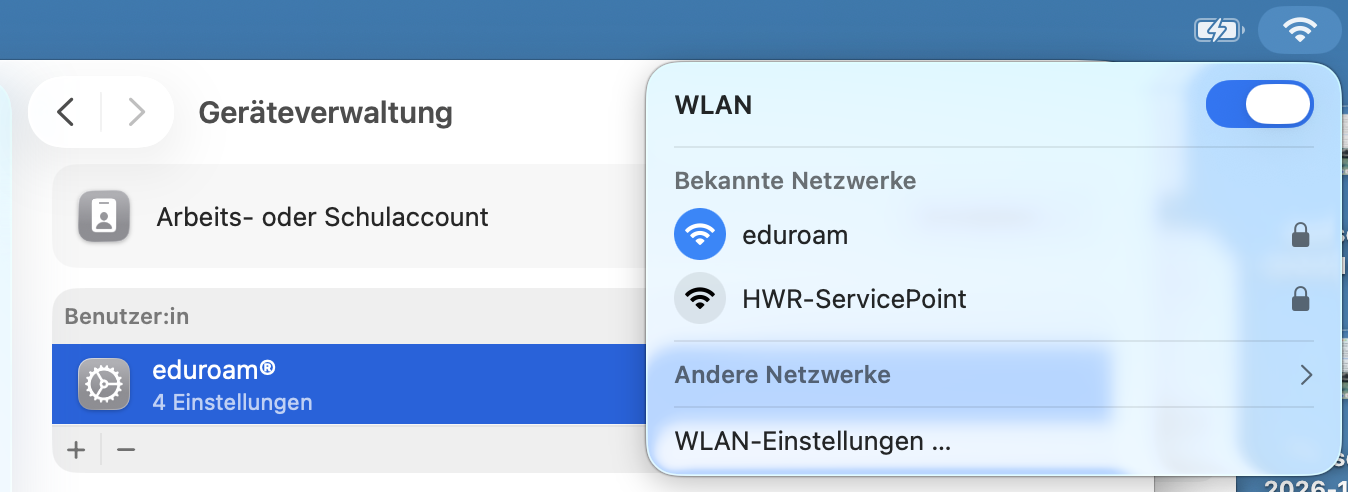
This guide shows you how to connect to Eduroam Wi-Fi on a Mac. To do so, visit the Eduroam CAT website and download the "mobileconfig" file.
General Information
The login credentials for the Eduroam Wi-Fi consist of your username@hwr-berlin.de and the same password that you use for Moodle, Webmail, SAM, etc.
- Employees and full-time faculty: username@hwr-berlin.de
- Students: s_username24@hwr-berlin.de
- Lecturers: e_username@hwr-berlin.de
- Guests, interns, etc.: g_username@hwr-berlin.de
Installation of the Eduroam Profile
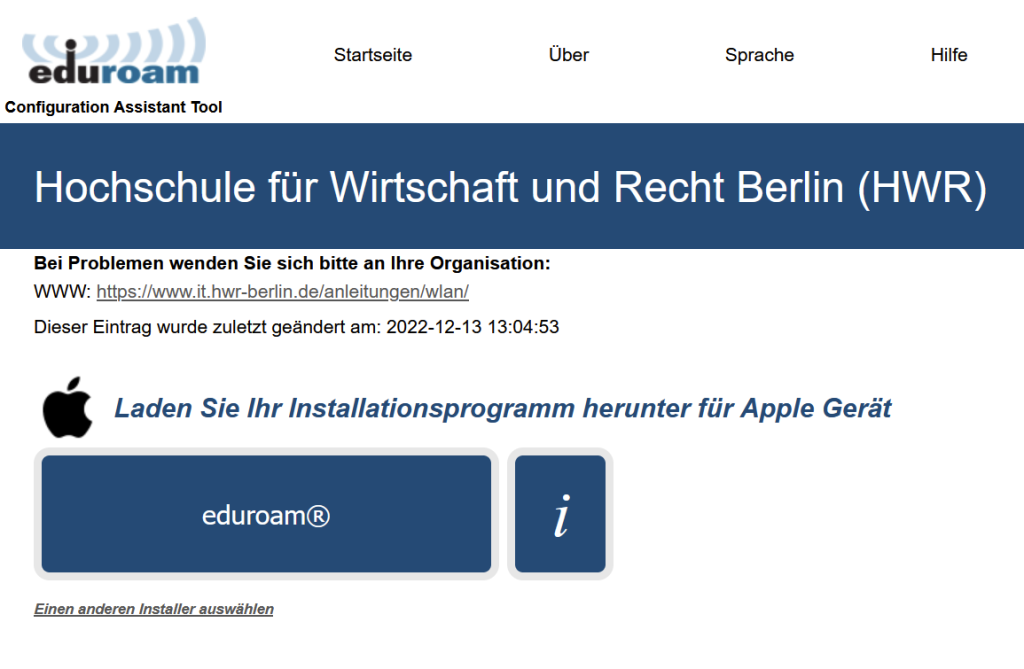
Go to the website Eduroam CAT und download the “mobileconfig” file
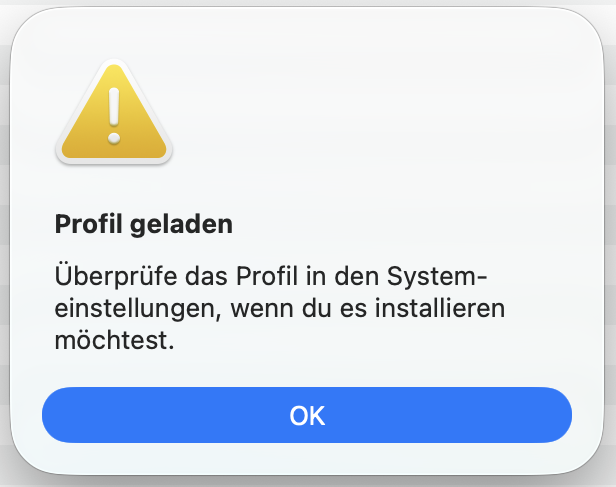
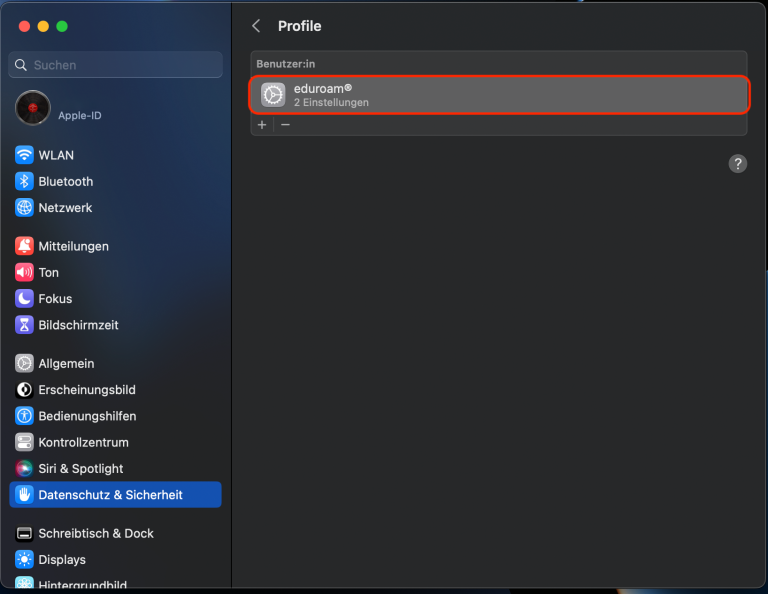
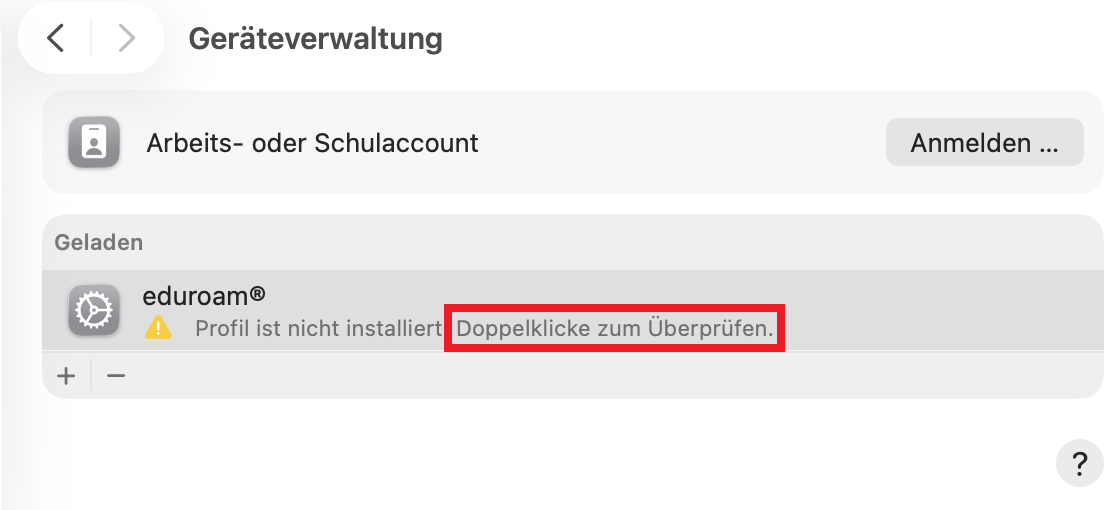
Go to System Settings -> General -> Device Management
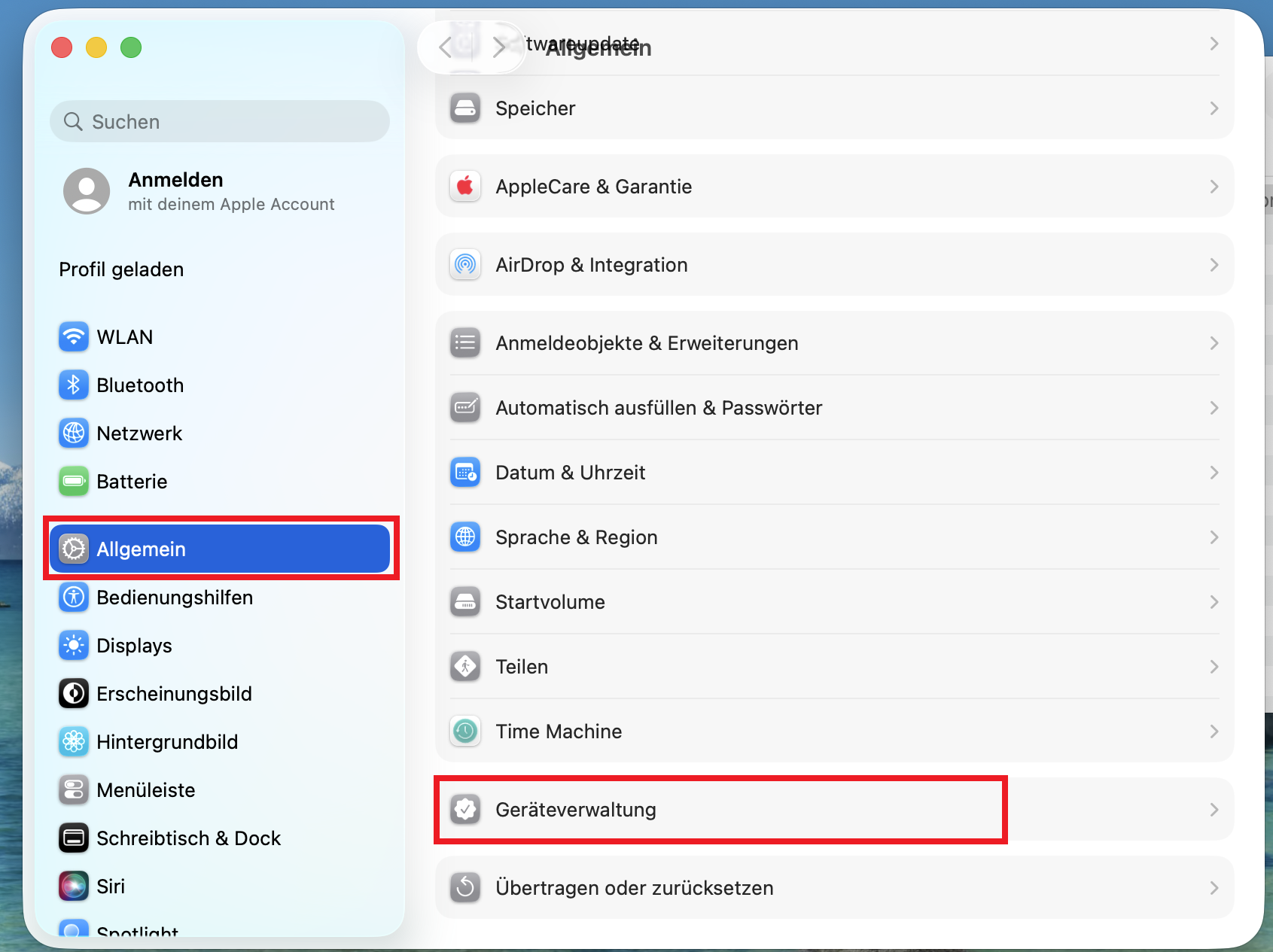
Double Click the downloaded Eduroam profile to install it.
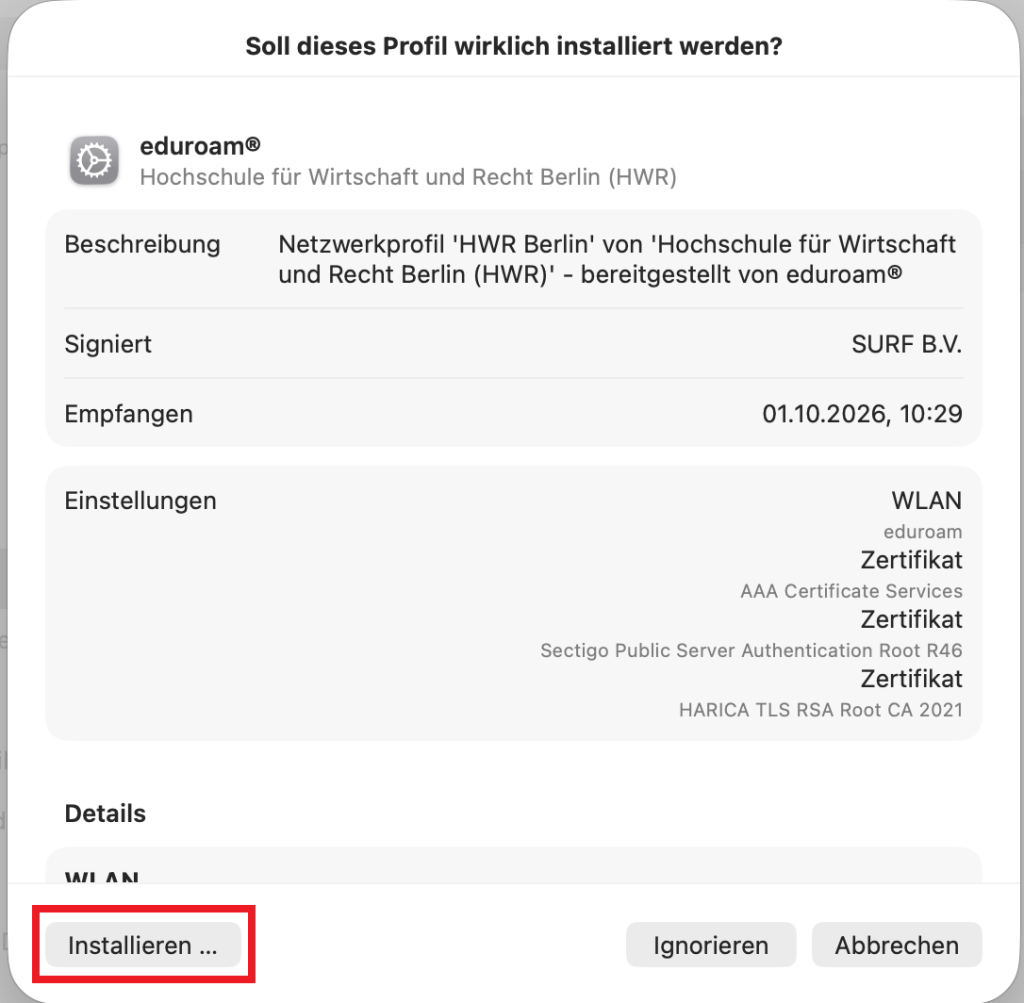
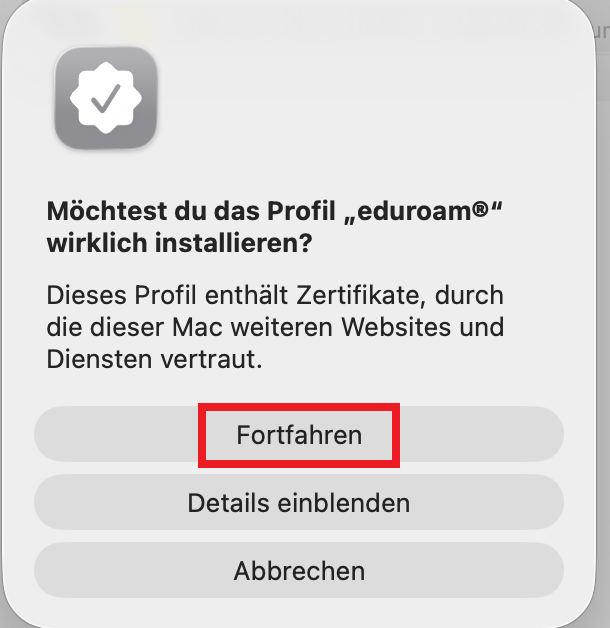
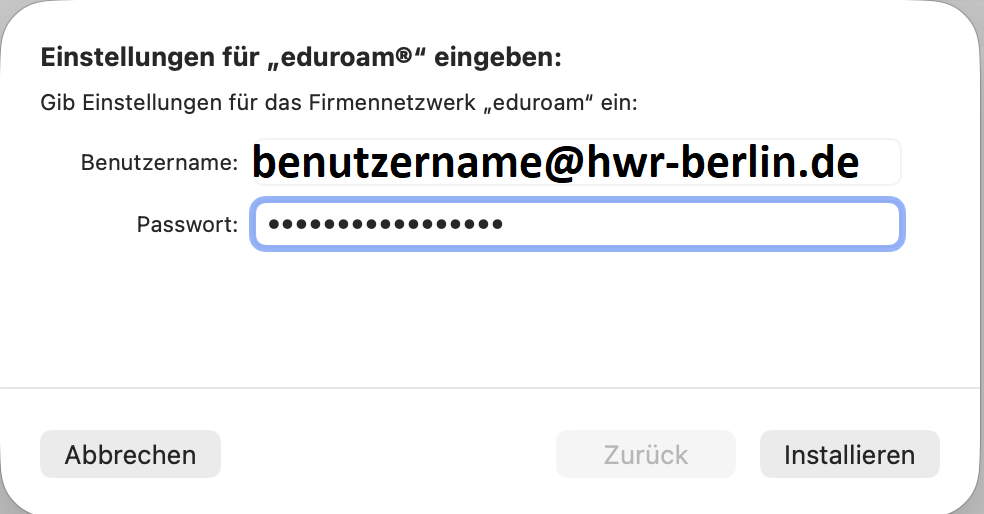
Enter your HWR Account in the format username@hwr-berlin.de and the associated password.
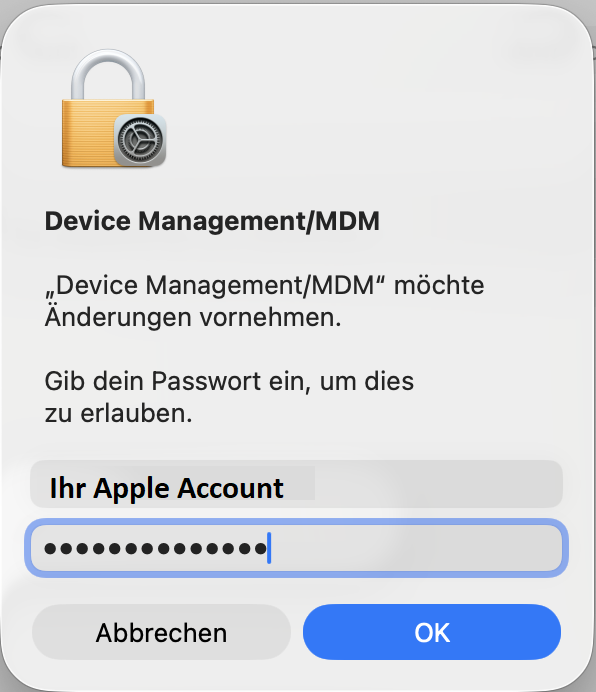
Confirm the installation with your Apple Admin Account on the device
Afterwards the Eduroam Wifi is ready to use