This guide describes the manual setup for the Wi-Fi (Eduroam) with the new certificate. Make sure to follow all the listed steps, especially if Eduroam was already set up on the target device, in order to update the configuration properly.
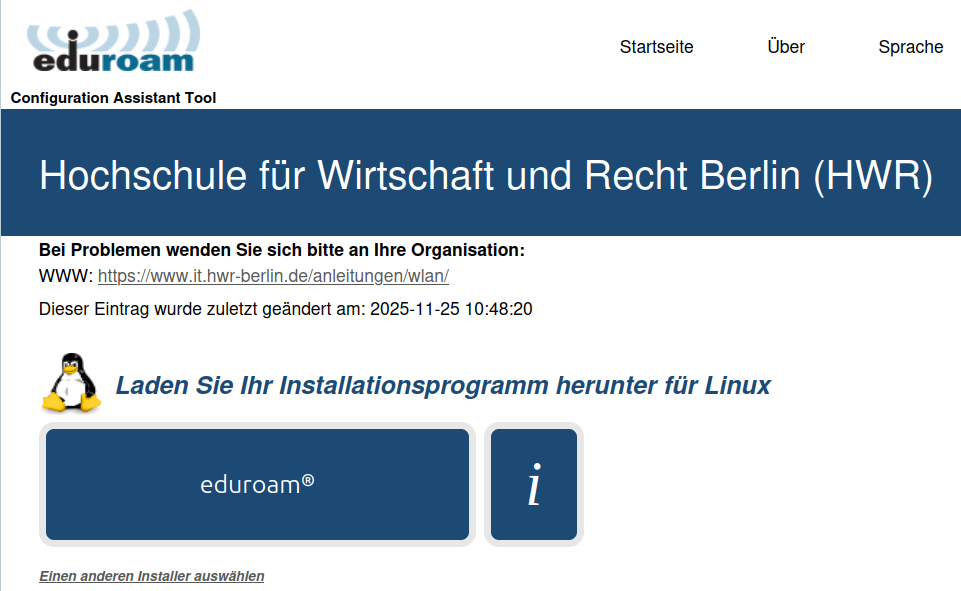
Download the python script
Download the file to install the latest certificate with your HWR Account.
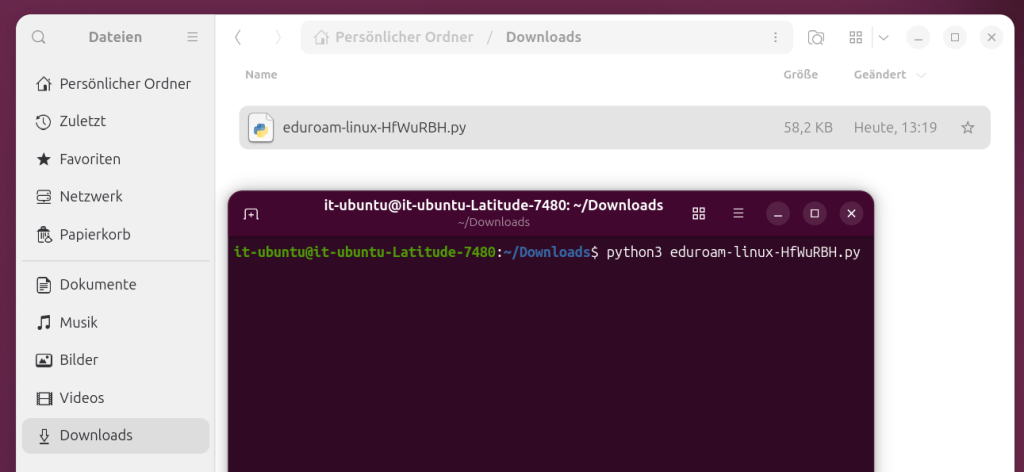
Start the python script
- Open a terminal window or command prompt and run the downloaded .py file
- Python is pre-installed on many versions of Linux (e.g. Ubuntu)
If its not on your system, download Python here: https://www.python.org/ - In the terminal window, navigate to the downloaded file and run it using the command
python3 filename.py
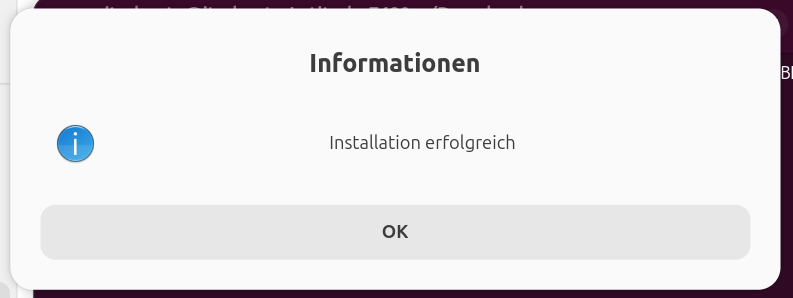
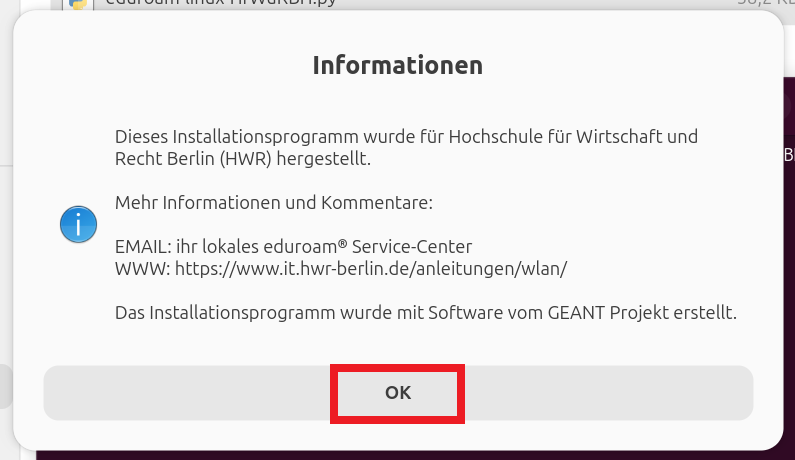
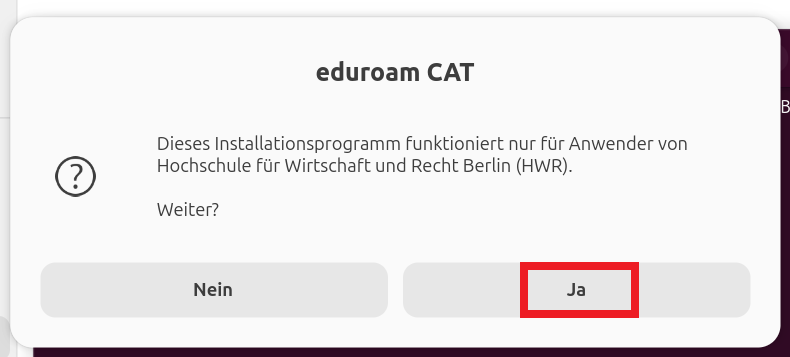
Confirm the installation
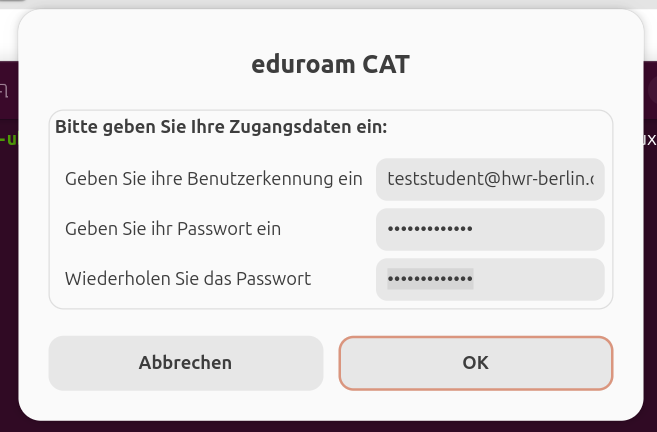
Enter your login data
Enter your HWR account in the format username@hwr-berlin.de and the corresponding password. Once you’ve done that, you’re all set and can connect to Eduroam.