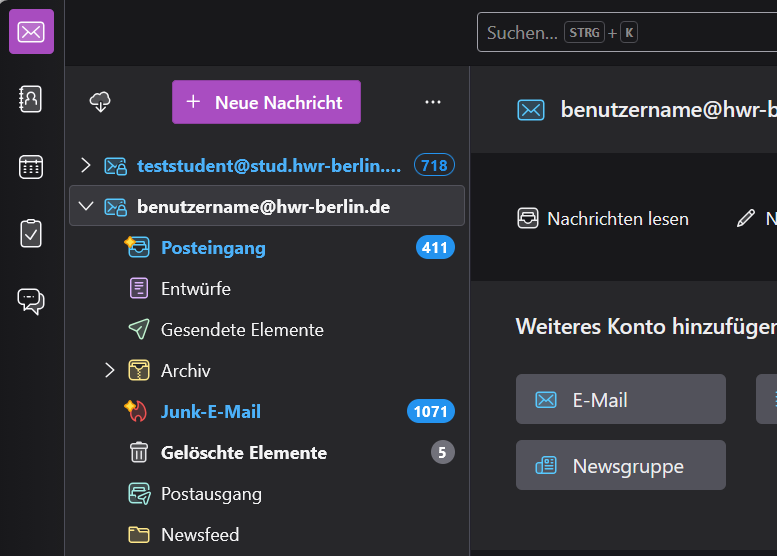
This guide shows employees and professors how to integrate their HWR email inbox into Mozilla Thunderbird. Students and lecturers can find their guide here.
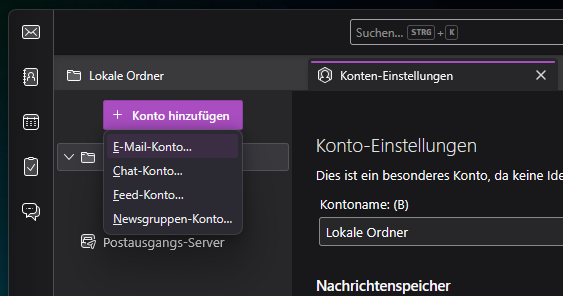
Go to the Thunderbird menu settings and add new mail account.
Enter your name and mail address.
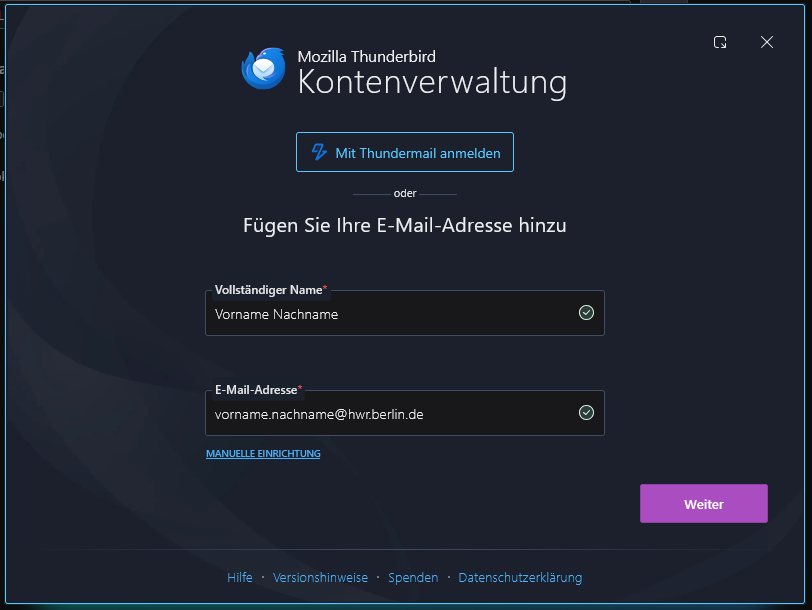
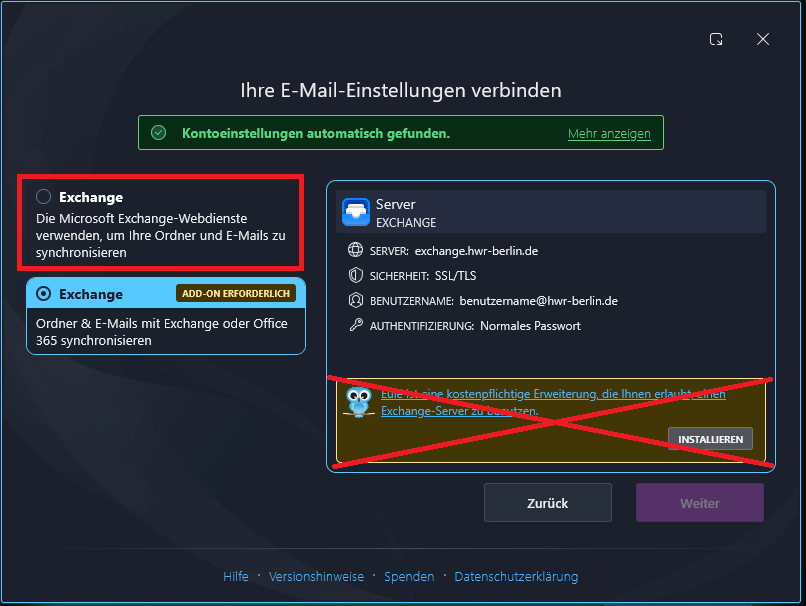
If you entered your mail address correctly then Thunderbird will automatically set the connection settings.
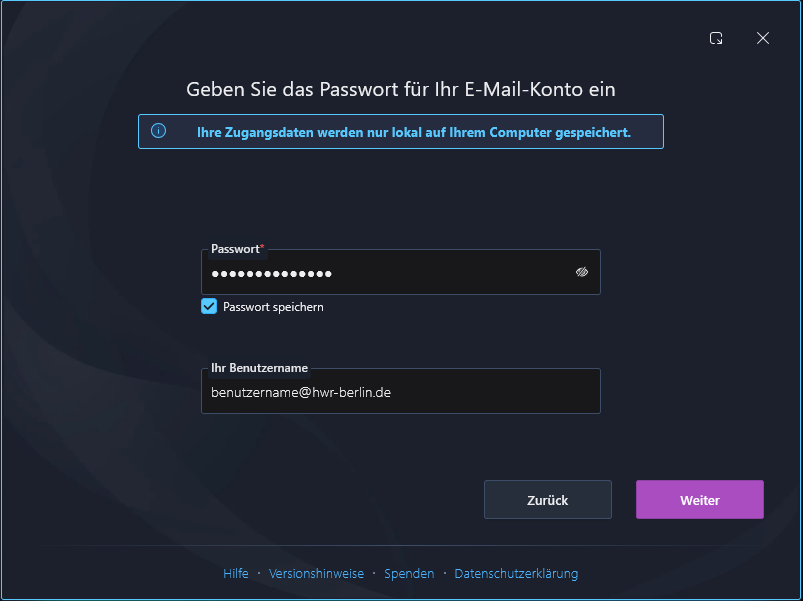
Then enter your password and your username@hwr-berlin.de
Choose Exchange Webservices, any other addons or services are not needed.
Afterwards your Email Account will be imported and start synchronizing.