

Students at the HWR Berlin can use IBM SPSS online in their web browser. A VPN connection to the HWR network must be active for this.
-> VPN instructions
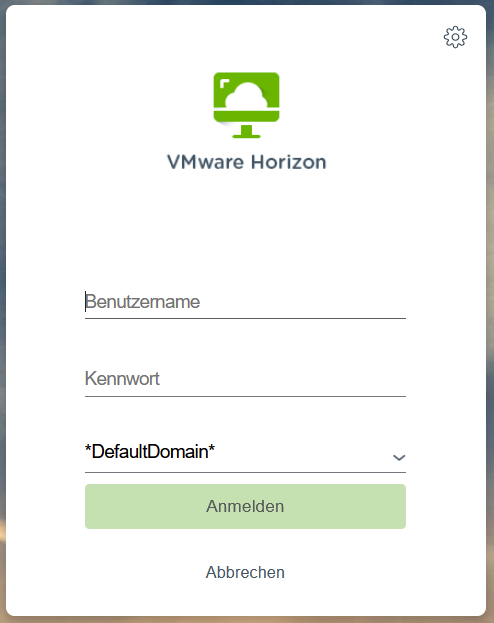
Go to the website https://vpool.hwr-berlin.de/
Enter your HWR Account username and passwort
Leave *DefaultDomain* as is and click on “Anmelden”
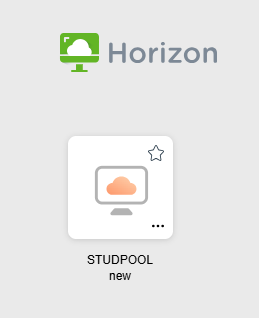
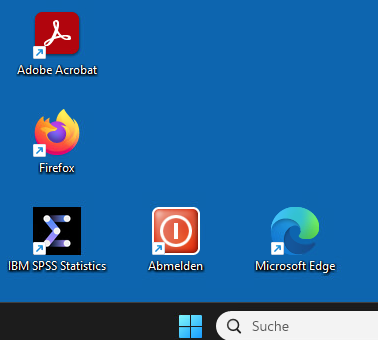
Select STUDPOOL new and on the remote server desktop you will have the IBM SPSS Statistics shortcut
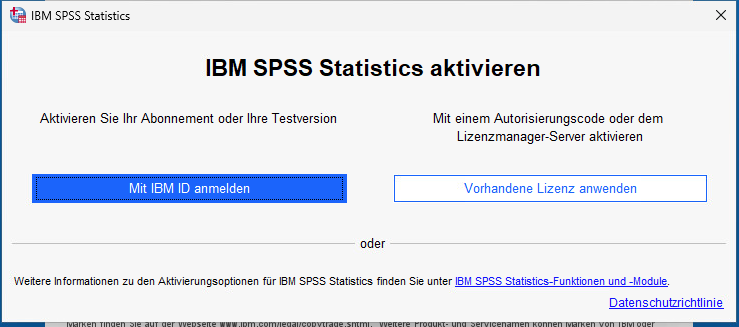
Once it has started, select “Vorhandene Lizenz anwenden” in the activation window.
After your work click on Abmelden / Log Out to save your user profile properly.