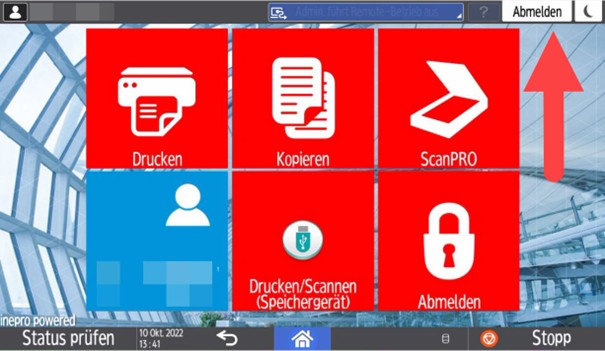
Before you can log in to the FollowMe printers with your HWR ServiceCard, you must link your HWR account to the card. Your login details are not stored on the card.
This step is necessary for both types of FollowMe printers.
It is necessary for printers that can process A3 and A4 paper, as well as for small desktop devices that can only process A4 paper.
Linking the card to your HWR account on the large FollowMe device
- Place your HWR ServiceCard on the printer’s card reader.
- On large FollowMe printers, this is located to the right below the display.
- The card must remain in the card reader for the entire duration of use.
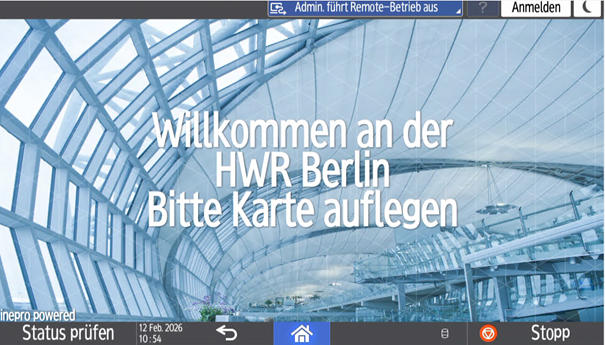
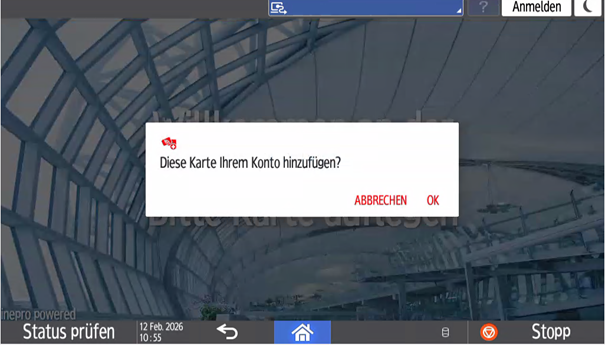
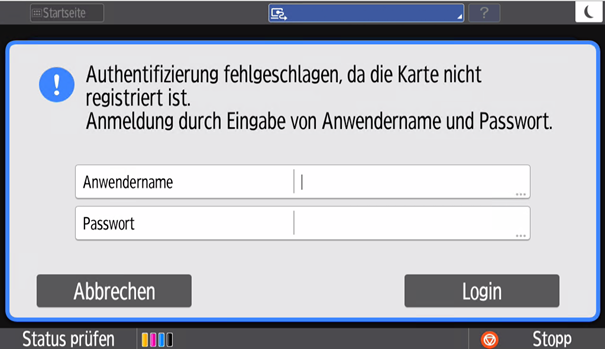
Confirm the prompt with OK and then enter the username and password of your HWR account.
Linking the card to your HWR account on the small FollowMe device
- On the small DinA4 devices, the card reader is located directly to the right of the display.
- Once the printer has recognized the card, you can remove your HWR ServiceCard from the card reader.
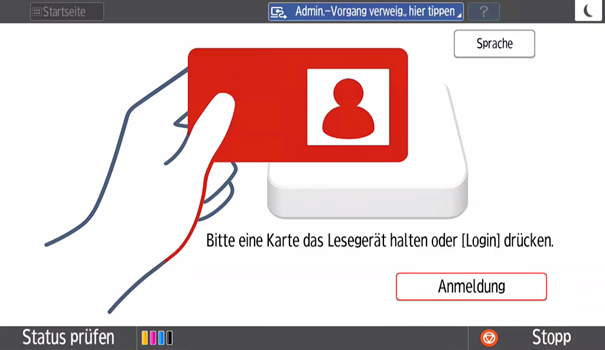
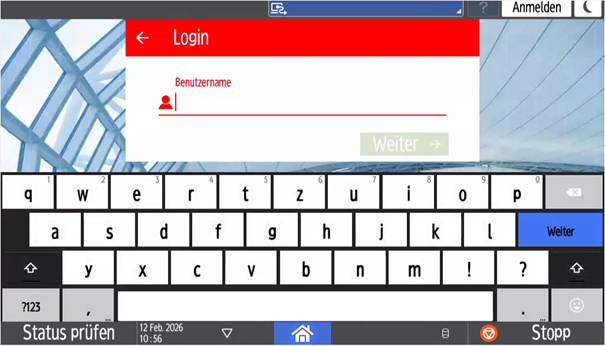
Enter the username and password of your HWR account. Once you have successfully logged in, your account will be linked to the card.
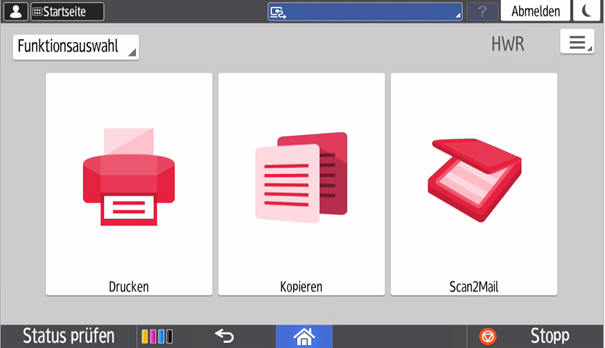
Log in and out on the device
- To log in to the device, please place or hold your HWR ServiceCard on the printer’s card reader.
- If you are logging in to a large A3/A4 device, the card must remain on the card reader for the entire duration of use.
- With small A4 devices, you can remove the ServiceCard from the card reader after logging in.
- Don’t forget to log out of the device after printing.