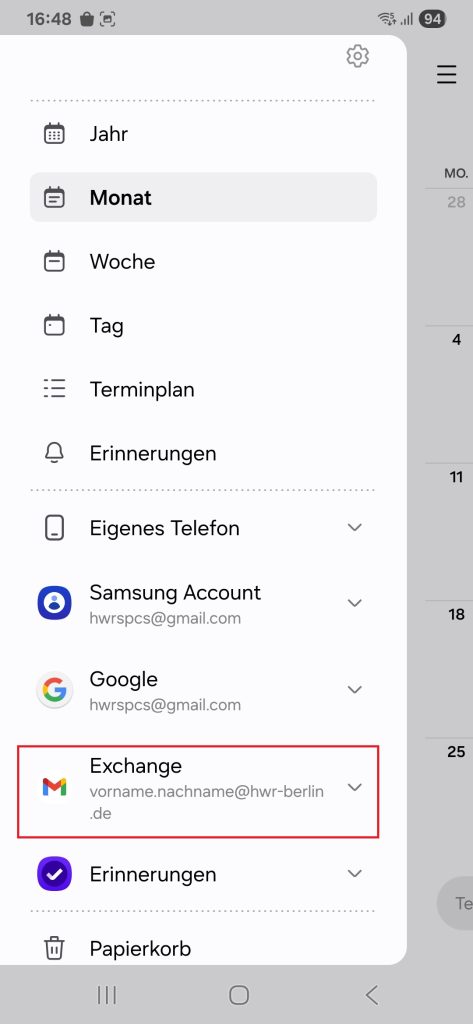
This guide shows employees and professors how to add their Exchange account (mails, calendar and contacts) on an Android device. For security reasons, Outlook Mobile is blocked for use with the HWR’s email system.
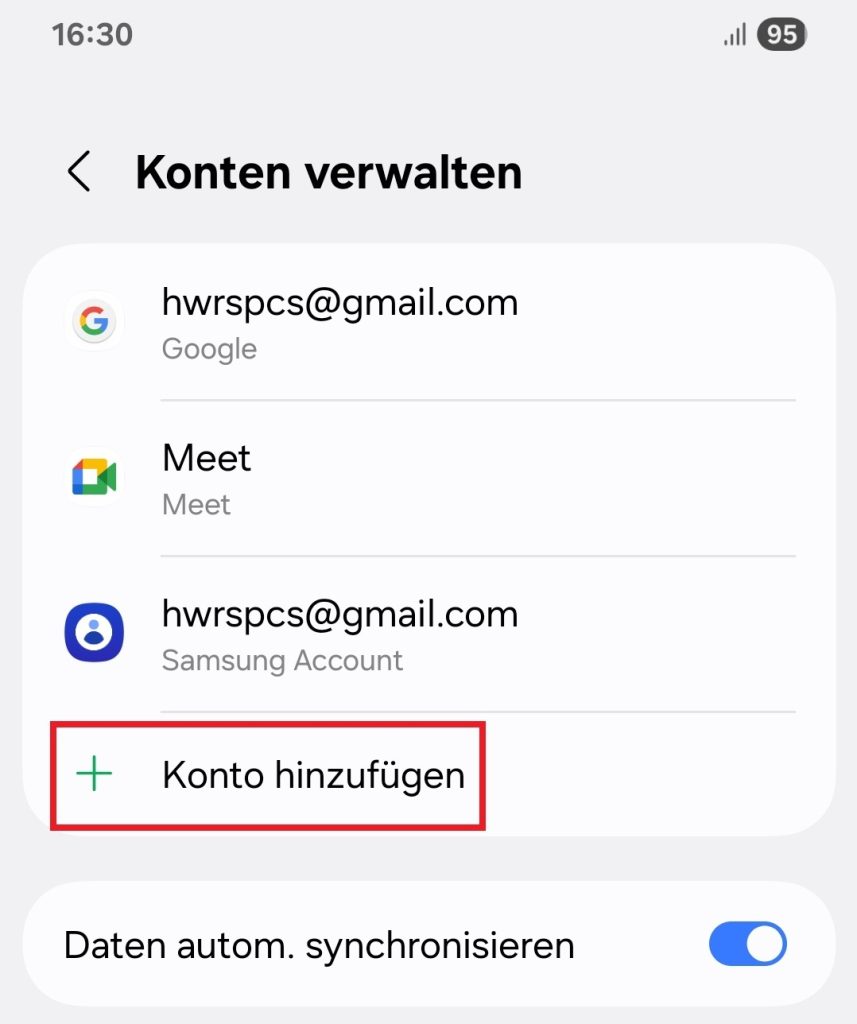
Go to your smartphone’s settings and look for the Account or Mail menu option.
Choose add account there.
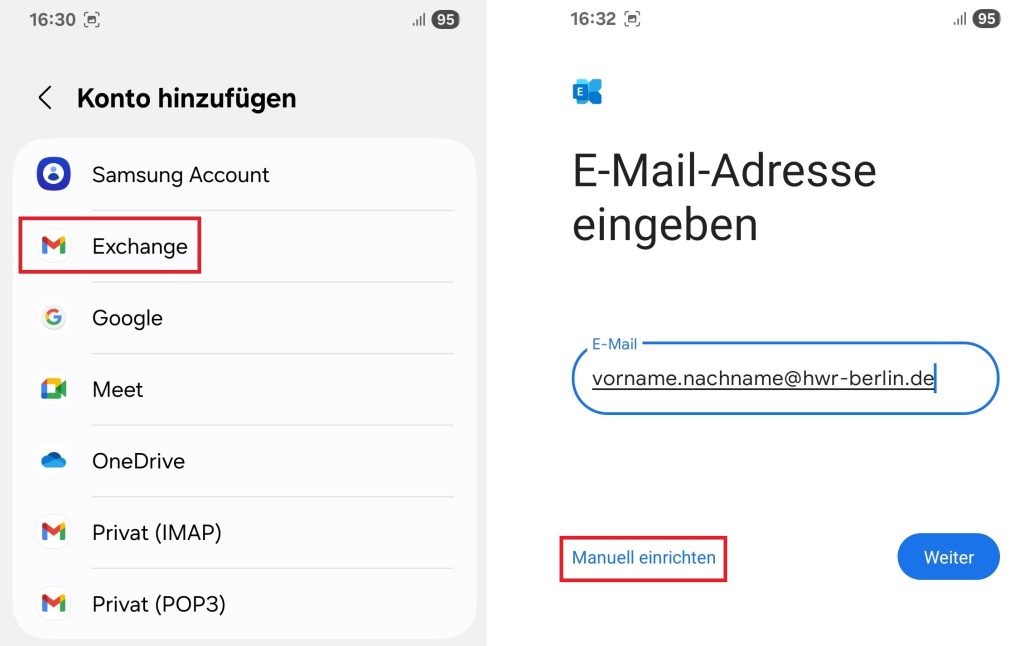
Select Exchange as the account type and enter your email address.
Choose the option configure manually.
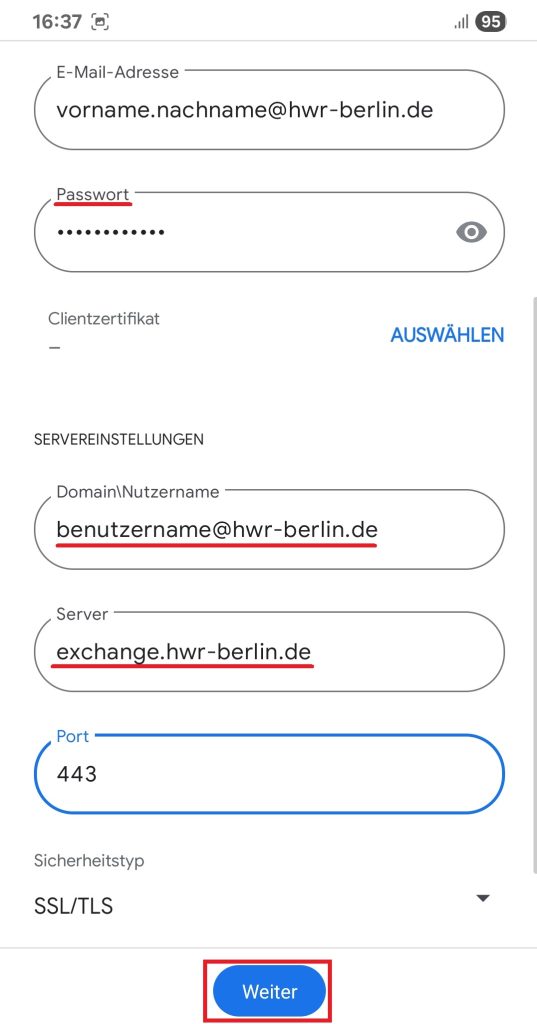
Now enter the required login details
- The password of your HWR Account
- Domain\Nutzername in our system is username@hwr-berlin.de
- Server: exchange.hwr-berlin.de
Note: Some Mail Apps may ask for a domain, enter only “hwr-berlin” in this case
Afterwards the Exchange Account was automatically imported in the standard Android Mail app and calendar.